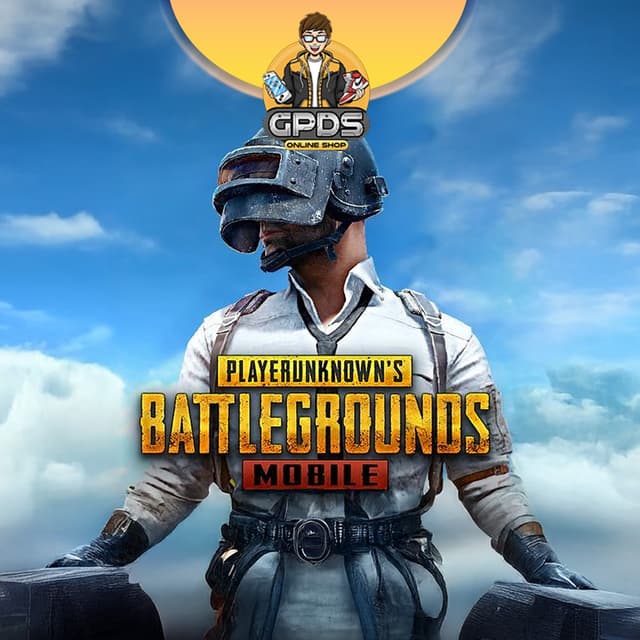
How to Top Up PUBG Mobile Global in the Philippines
🔫 Player ID-Based, Instant Delivery
Five steps from "I need UC" to a stacked Royale Pass. Most orders deliver instantly after we verify. Triple-check your Player ID before checkout, players.
STEP 1
Find Your Player ID
Open PUBG Mobile, tap your avatar at the top-left to open your profile. Copy your numeric Player ID.
STEP 2
Enter Your Player ID
Paste your Player ID at GPDS checkout. No password, no login, no account handover needed.
STEP 3
Choose Your UC
Pick your UC amount, then add an optional coupon or streamer code if you have one.
STEP 4
Pay Your Way
GCash, Maya, GrabPay, QRPH, Visa, Mastercard, PayPal, Wise, or USDT. Checkout price is final.
STEP 5
Grab Your Chicken Dinner
Your UC lands on your account, ready for the Royale Pass, crates, and the latest skins.
⚠️ Important: Double-check your Player ID and that you play the Global version before placing your order. Orders delivered to the correct account are not refundable. UC is credited to the account that matches the ID you enter, and it does not transfer between regional versions.
✔ Safe Player ID flow, no password needed, we never ask for your login
✔ Need help?
[email protected],
WhatsApp,
Facebook, or
FAQs.
Support hours 6 AM to 4 AM PHT, daily. Include your Order ID.
Description
About PUBG Mobile - Global
🔫 Trusted Since 2018GCash, Maya, QRPH⚡ Instant DeliveryPlayer ID Only
PUBG Mobile Global Top Up Philippines: Cheap UC for Filipino Players
Grinding the Royale Pass or chasing a Mythic outfit on the Global server? GPDS Game Shop tops up PUBG Mobile Global UC directly to your account so Filipino players can buy the Royale Pass, crates, and skins without paying app-store rates. This page is for the worldwide Global version published by Tencent under Level Infinite, not a regional build. Top up using only your Player ID, no password, no login.
Pay with GCash, Maya, GrabPay, QRPH bank transfer, Visa, Mastercard, PayPal, Wise, or USDT. Instant delivery after we verify your order, real-time PHP pricing, trusted PH support since 2018. WhatsApp and Facebook from 6 AM to 4 AM PHT, daily.
Why Filipino Players Choose GPDS for PUBG Mobile Global Top-Ups
Player ID Top-Ups, No Login Needed
UC lands on your account using just your Player ID (Character ID). You never hand over your login, password, or linked account.
UC for Royale Pass, Crates, and Skins
Use UC for the Royale Pass and RP upgrades, crates, the Lucky Spin, and outfit bundles. Larger UC packs carry the better value.
Made for the Global Version
This top-up is for the worldwide Global build, not the KR, VN, or TW versions. Your UC lands on the same Global account you already play on.
No Account Sharing, Resellers Welcome
Your credentials stay yours. Player ID delivery keeps your account private, and bulk buyers get the same fast flow.
UC vs BP: What You Actually Buy at GPDS
UC (Unknown Cash) is the premium currency you top up. Spend it on the Royale Pass, crates, the Lucky Spin, the shop, and outfit bundles. UC is the only currency you buy with real money.
BP (Battle Points) is earned by playing matches and only covers basic crates and items. GPDS tops up UC, the currency that unlocks the premium content.
PUBG Mobile Global Top-Up FAQ for the Philippines
How do I top up PUBG Mobile Global UC in the Philippines using GCash?
Enter your Player ID, choose your UC amount, and pay with GCash. Credited instantly after we verify your order. Maya, GrabPay, QRPH, Visa, Mastercard, PayPal, Wise, and USDT also work.
How do I find my PUBG Mobile Player ID?
Open PUBG Mobile and tap your avatar at the top-left to open your profile. Your numeric Player ID (Character ID) is shown under your name. Copy it and paste it at checkout.
Does GPDS top up the Global version of PUBG Mobile, not the KR or VN version?
Yes, this page tops up the worldwide Global version. UC does not transfer between regional builds, so make sure you play the Global app before ordering. If you are on PUBG Mobile KR, VN, or TW, that UC is separate and must be topped up on the matching version.
Will third-party PUBG Mobile top-ups get my account banned?
No. GPDS tops up UC directly to your account using your Player ID. No login, no password, no IP-region mismatch. Your account standing and progress are unaffected.

.png&w=3840&q=75)